Tables, takeaway and delivery
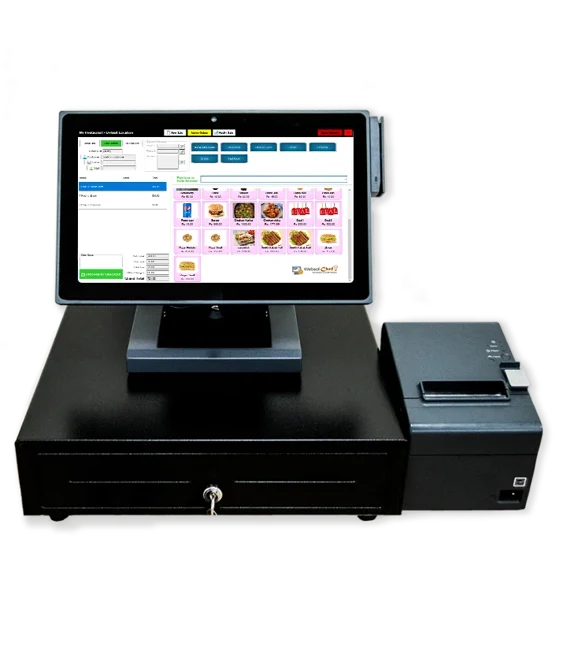
Attach a dine-in order to its table and floor. For takeaway or delivery, record how the guest will receive the meal and take payment before or after service.

Restaurant management
For restaurants, cafés and takeaway counters where the cashier, kitchen and manager need the same understanding of what was ordered.
Illustrative restaurant order
Attach a dine-in order to its table and floor. For takeaway or delivery, record how the guest will receive the meal and take payment before or after service.
Build a meal deal with a choice of drink or side. Add extra cheese or a flavour at the counter so the kitchen sees what the guest selected.
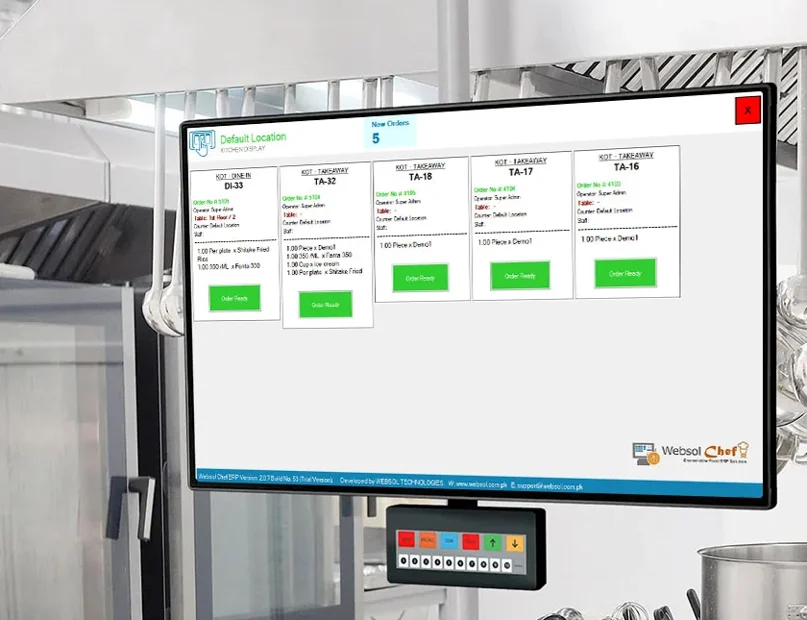
Send the order to a kitchen display system (KDS) or print a kitchen order ticket (KOT) at the preparation station.
Define the ingredients for each dish. A sale deducts the recipe quantities, giving the manager a stock figure to compare with the kitchen count.
Record purchases and vendor payments as ingredients arrive. Check outstanding supplier balances when planning the next order.
Organize service into shifts, review which dishes sold and record operating expenses. Use the sales mix when planning the next service.
Bring one of your busiest deals, its permitted extras and the stations that prepare it. Follow an example from order entry to the kitchen display.
Explore restaurant workflows →Keep order taking and kitchen preparation in step.
Industry overview →Customer portfolio
 Kabab House