Checkout and product records
Maintain selling prices, costs, units and categories. Use the sales register and barcode scanner for daily transactions.

Cloud point of sale
Also known as Kamyaab Business Suite, Business Cloud POS serves retailers who need checkout in the shop and access to sales and stock while away.
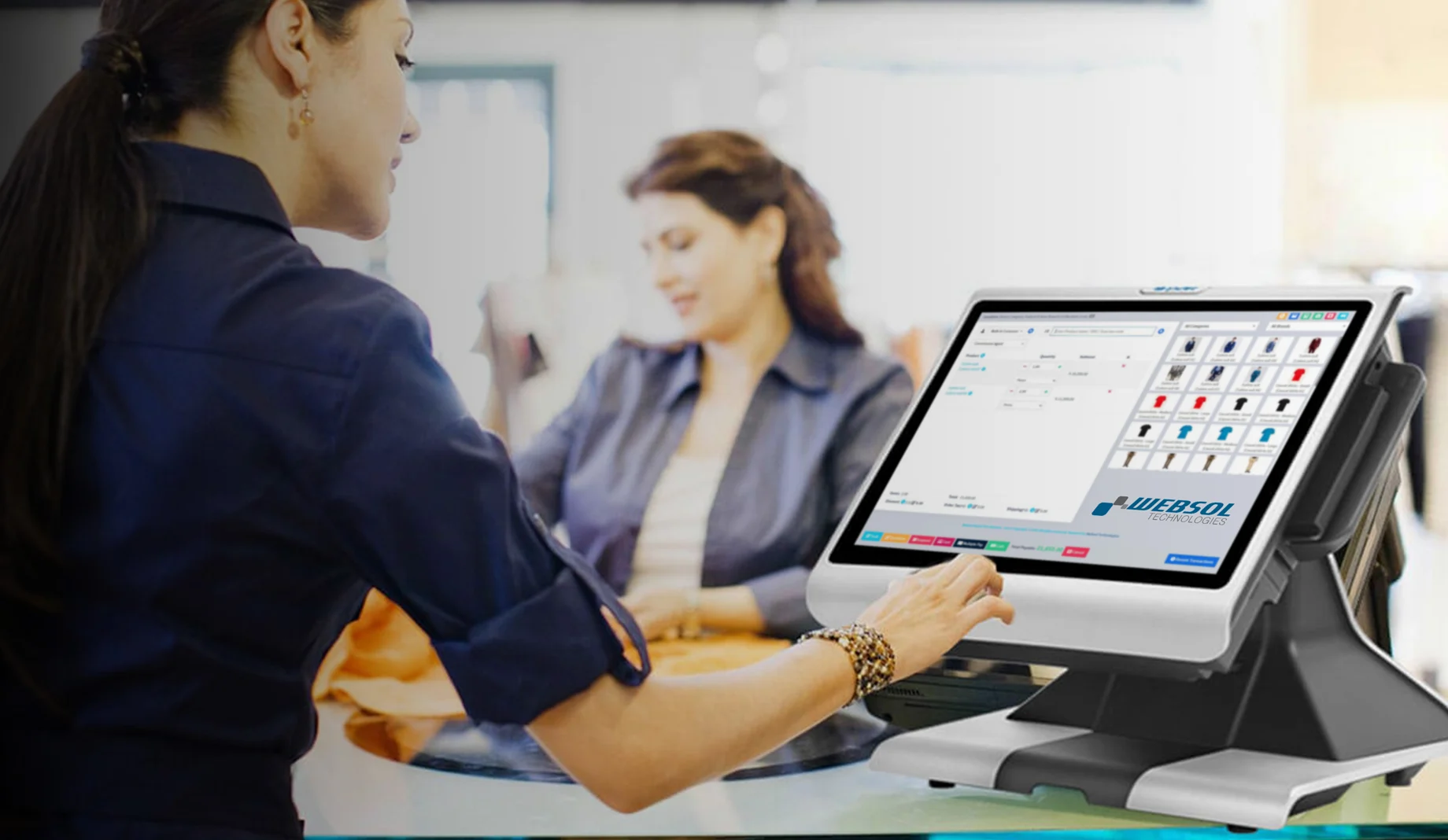
Illustrative retail workflow
Maintain selling prices, costs, units and categories. Use the sales register and barcode scanner for daily transactions.
Track low stock, review purchases and keep supplier contacts, orders and pending payments together.
Review customer sales and generate reports from the cloud. The same records are available when the owner is away from the counter.
Start with Business Cloud POS if remote access to shop sales and stock is your priority. Explore Muhasib ERP if your evaluation centres on desktop sales, accounting, commission agents or Pakistan tax integrations.
Compare Muhasib ERP →Connect the sale at the counter to stock and accounts.
Industry overview →Customer portfolio
 KK Mart
 Ideal Sweet Bakery
 The Burger Station
 Hair Craft