10 Signs Your Business Has Outgrown Spreadsheets | Websol Technologies

10 Signs Your Business Has Outgrown Spreadsheets
Introduction
Spreadsheets have been part of business operations for years, and for good reason. They are familiar, flexible, relatively inexpensive and easy to use. A small business can use a spreadsheet to record sales, track expenses, maintain customer information, calculate profits or manage a basic inventory list without investing in a dedicated software system.
For a business with limited transactions and a small team, this approach can work well.
The challenge begins when the business grows.
More customers mean more transactions. More employees mean more people entering and accessing information. Additional products create larger inventories, while multiple branches create more complicated reporting requirements. What was once a simple spreadsheet can eventually become a collection of interconnected files that require significant time and effort to maintain.
At that stage, the issue is not necessarily that spreadsheets are "bad." The issue is that the business may have become too complex for spreadsheets to remain its primary operational system.
This raises an important question:
How do you know when your business has spreadsheets outgrown?
There are several warning signs. From inconsistent data and inaccurate inventory to lengthy reporting processes and excessive manual work, these problems can indicate that it is time to evaluate a more structured approach to business management.
Here are 10 signs that your organization may be ready to move beyond spreadsheets.
- You Have Multiple Spreadsheets for the Same Business Process
Business rarely starts with dozens of spreadsheets.
It may begin with one simple sales file. As operations expand, another spreadsheet is created for inventory. Then another for purchases, expenses, customers, suppliers and management reports.
Eventually, different departments may maintain their own versions of the same information.
For example, the sales team may have a customer spreadsheet, while the accounts department maintains a separate customer file. The inventory department may maintain its own product list, while management uses another spreadsheet to prepare monthly reports.
This creates a basic but important question:
Which file contains the correct information?
Multiple versions can lead to:
- Duplicate data
- Out-dated information
- Conflicting records
- Difficulty finding the latest version
- Increased administrative work
An integrated business management system can provide a more structured environment in which relevant information is maintained and shared across connected business processes.
- Employees Keep Entering the Same Data
Repeated data entry is another clear sign that a business may have outgrown spreadsheets.
Consider a simple sales transaction. An employee might need to enter the same information into a sales spreadsheet, update an inventory file, record the transaction for accounts and then include it in a daily or weekly report.
The more frequently this happens, the more time employees spend maintaining records instead of performing higher-value tasks.
Manual duplication can also introduce errors. A number entered incorrectly in one file may not match the corresponding number in another.
Integrated business software can reduce this problem by connecting related processes. Depending on the system and configuration, information entered during one business activity can be used by other relevant modules.
The objective is simple:
Enter information where it belongs and avoid unnecessarily entering the same information again.
- Your Inventory Numbers Are Frequently Inaccurate
Inventory management is one of the areas where spreadsheet limitations can become particularly noticeable.
A growing business may need to track:
- Purchases
- Sales
- Stock transfers
- Returns
- Damaged products
- Available stock
- Low stock items
- Overstocked products
When these activities are recorded manually, the recorded inventory can quickly become different from the physical inventory.
For example, a product may be sold but the spreadsheet is not updated immediately. A purchase may arrive at the warehouse but remain unrecorded. Stocks may move between branches without being reflected correctly.
The result is a gap between:
Physical inventory: what the business has.
Recorded inventory: what the spreadsheet says the business has.
Inventory management software can provide a more structured way to record stock movement and connect inventory with sales and purchasing processes.
For retailers, wholesalers and other inventory-intensive businesses, this can be an important reason to consider moving beyond spreadsheets.
- Reports Take Hours to Prepare
Business owners and managers need reliable information to make decisions.
However, if preparing a weekly or monthly report requires an employee to open several spreadsheets, copy information, check formulas, reconcile numbers and create charts, reporting can become a significant administrative task.
A typical manual reporting process might involve:
- Collecting data from different departments
- Combining multiple spreadsheets
- Checking for duplicate records
- Correcting inconsistent information
- Verifying formulas
- Reconciling figures
- Creating charts or summaries
- Formatting the final report
This process can take hours.
The problem becomes more serious when management needs information quickly.
A centralized business management system can organize operational information in a structured database and provide reporting tools that reduce the need to manually combine multiple files.
The value is not simply saving time on report preparation.
It gives management access to information when it is actually needed.
- Different Departments Have Different Numbers
Few things create more confusion in an organization than different departments reporting different figures for the same business activity.
Imagine that:
- Sales reports one revenue figure.
- Accounts reports another.
- Inventory records a different quantity.
- Management has another version.
Which number should management trust?
These differences can occur for several reasons:
- Departments use different spreadsheets.
- Files are updated at different times.
- Different formulas are used.
- Employees make manual changes.
- Older versions of files are being used.
- Data is copied incorrectly.
When departments work from disconnected records, maintaining consistency becomes increasingly difficult.
An integrated business management system can establish more standardized processes and centralized records, allowing relevant departments to work with shared business information.
This does not eliminate the need for proper procedures and data management, but it can significantly reduce unnecessary fragmentation.
- Your Business Has Multiple Branches or Locations
Spreadsheets can become particularly challenging when a business expands to multiple locations.
A single branch might maintain:
- Sales records
- Inventory
- Purchases
- Expenses
- Customer information
- Supplier records
Now imagine managing this information across five, ten or more locations.
Each branch may have its own spreadsheets, and management may need to combine all of them to understand overall performance.
This can create additional questions:
- Which branch generated the most sales?
- What inventory is available at each location?
- Which products need replenishment?
- What are the expenses of each branch?
- How does one location compare with another?
Manually consolidating this information can become time-consuming.
For businesses operating multiple locations, centralized business management software can provide a more structured approach to managing branch-level information and consolidated reporting, depending on the capabilities of the selected system.
- You Are Losing Track of Customers and Suppliers
Customer and supplier management can also become difficult when information is distributed across multiple spreadsheets.
A growing business may need to maintain:
- Customer contact information
- Sales history
- Outstanding balances
- Payment records
- Supplier information
- Purchase history
- Supplier balances
- Transaction records
If this information exists in separate files, employees may need to search across multiple documents before they can understand a customer's or supplier's complete history.
This can affect everyday operations.
For example, a sales employee may need information about a customer's previous purchases, while the accounts team need to know the customer's outstanding balance.
A centralized business management system can bring relevant customers, suppliers and transaction information into a more organized environment.
This becomes increasingly valuable as the number of customers and suppliers grows.
- Your Business Depends on One Spreadsheet Expert
This is an often-overlooked warning sign.
Many businesses eventually have one employee who understands the organization's most complicated spreadsheets.
They know:
- Which formulas are being used
- Which cells should not be changed
- Where specific information is stored
- How reports are generated
- How different files are connected
- Which formulas need to be updated
That employee may effectively become the only person capable of maintaining an important business process.
This creates a single point of failure.
What happens if that employee takes extended leave?
What happens if they move to another department?
What happens if they leave the company?
Important business processes should not depend entirely on one person's memory of complicated spreadsheets.
Documented workflows and structured business systems can make organizational knowledge less dependent on individual employees.
- You Are Making Decisions Using Outdated Information
Good business decisions require useful information.
A manager may want to know:
- How much inventory is available?
- What were today's sales?
- Which products are selling?
- What are the current expenses?
- Which branch is performing best?
- Which customers have outstanding balances?
If answering these questions requires employees to collect information manually from several spreadsheets, decision-making can slow down.
The problem is not simply inconvenience.
Markets, inventory levels, customer demand and business conditions can change quickly. Information that was accurate several days ago may no longer provide an accurate picture of the current situation.
Centralized business software can help businesses maintain more current operational records and provide management with easier access to relevant information.
This supports a more data-driven approach to decision-making.
- Your Business Processes Are Becoming Too Complex for Manual Management
The final and perhaps strongest warning sign is complexity.
You may have reached the point where your organization is managing:
- Dozens of spreadsheets
- Hundreds of formulas
- Multiple file versions
- Complex macros
- Manual reports
- Duplicate records
- Frequent corrections
- Cross-department data reconciliation
At this stage, spreadsheets may no longer be simplifying business operations.
They may be creating additional work.
When employees spend significant amounts of time maintaining the system rather than using the information it contains, it may be time to evaluate dedicated business management software.
The important question is not how many spreadsheets you have.
The important question is:
Are your spreadsheets still supporting your business, or have they become part of the problem?
Spreadsheets Are Not the Enemy
It is important to maintain a balanced perspective.
Spreadsheets remain useful business tools.
They can be excellent for:
- Quick calculations
- Data analysis
- Financial modelling
- Temporary projects
- Ad-hoc reporting
- One-time calculations
- Data exports
- Planning and forecasting
The issue is not the existence of spreadsheets.
The issue is using them as the primary operational system for a growing business.
There is an important difference between using a spreadsheet as an analytical tool and using it to run every aspect of an organization.
A spreadsheet is primarily a tool for working with information.
Business management software is designed to help manage the business processes that generate and use that information.
For a growing organization, that distinction can become increasingly important.
What Should Businesses Use Instead?
There is no single software solution that is right for every business.
Depending on its size, industry and requirements, an organization may consider:
- Business management software
- ERP software
- POS systems
- Inventory management systems
- Accounting software
- CRM systems
- Industry-specific software
An ERP, or Enterprise Resource Planning, system can integrate different business functions into a more connected environment.
Depending on the software, these functions may include:
- Sales
- Purchasing
- Inventory
- Accounting
- Customers
- Suppliers
- Expenses
- Reporting
- Business analytics
The right system depends on the organization's requirements.
A small retailer may primarily need POS and inventory management. A larger company may require a broader ERP system connecting sales, purchasing, accounting, inventory and multiple locations.
The goal should not be to purchase the most complicated system available.
The goal should be to choose a system that solves the organization's actual problems and can support its expected growth.
Benefits of Integrated Business Management Software
When a business moves appropriate processes from disconnected spreadsheets to an integrated system, several potential benefits can emerge.
Centralized Information
Important business records can be organized within a connected environment rather than being distributed across numerous files.
Reduced Duplicate Data Entry
Connected processes can reduce the need to manually enter the same information in several places.
Better Inventory Visibility
Businesses can maintain more structured records of purchases, sales and stock movement.
Faster Reporting
Managers can access system-generated reports rather than depending entirely on manually prepared spreadsheets.
Improved Collaboration
Different departments can work with shared business information and standardized processes.
Better Scalability
A suitable business management system can provide a stronger foundation as transaction volumes, employees and locations increase.
More Informed Decisions
When information is organized and available in a timely manner, management can make decisions using a clearer view of business operations.
These benefits depend on choosing the right system, implementing it correctly and ensuring that employees use it consistently.
Software alone cannot fix poorly defined business processes.
How to Know If Your Business Is Ready
If you are unsure whether your organization has outgrown spreadsheets, consider the following checklist.
Ask yourself:
- Are you maintaining many spreadsheets for different departments?
- Do employees enter the same information multiple times?
- Are reports difficult or time-consuming to prepare?
- Are inventory records frequently inaccurate?
- Do departments have conflicting numbers?
- Are you opening new branches?
- Are important records scattered across different files?
- Does one employee understand most of your critical spreadsheets?
- Are managers making decisions using outdated information?
- Are manual processes slowing down business growth?
If you answered yes to several of these questions, it may be worth evaluating dedicated business management software.
There is no universal threshold. A five-person company with highly complex operations may need specialized software earlier than a larger company with simple processes.
The right time to evaluate new technology is when your existing approach is creating more operational problems than value.
Websol Technologies and Business Digitalization
Digital transformation does not have to mean replacing every existing business process overnight.
For many organizations, it begins by identifying the areas where manual processes are consuming the most time or creating the greatest risks.
This could be inventory management, sales, purchasing, accounting, reporting, restaurant operations or institutional administration.
Websol Technologies provides business technology solutions designed to support organizations in managing their operations through digital systems.
Its solutions cover areas including ERP and business management, POS and retail management, restaurant management and education management, allowing businesses and institutions to explore technology according to their operational requirements.
For organizations looking to move beyond fragmented spreadsheets, a business management platform such as Muhasib ERP can be considered as part of a broader digitalization strategy.
The objective should not simply be to replace Excel with another application.
The objective is to create a more organized way of managing information and business processes.
That means understanding how the organization works, identifying operational gaps, selecting appropriate technology and ensuring that employees can use the system effectively.
Conclusion: Has Your Business Outgrown Spreadsheets?
Spreadsheets can be an excellent starting point for a business.
They are accessible, flexible and familiar. But as organizations grow, their operational requirements also change.
More customers create more transactions. More products create more inventory. More employees create more data. More branches create more reporting requirements.
Eventually, the limitations become visible.
If your business is experiencing duplicate data entry, inaccurate inventory, lengthy reporting, conflicting numbers, fragmented customer records or excessive dependence on complex spreadsheets, these may be signs that your organization needs a more structured approach.
The answer does not necessarily mean eliminating spreadsheets completely.
Instead, businesses should identify which core processes require an integrated, scalable and centralized system.
Business management software and ERP solutions can provide that foundation when implemented according to the organization's actual needs.
Ultimately, the question is not simple:
“Can our business still operate with spreadsheets?”
The more important question is:
“Are our spreadsheets helping the business grow, or are they holding it back?”
For organizations ready to explore the next stage of digital business management, Websol Technologies can be considered as a technology partner for evaluating solutions that align with their operational requirements and long-term growth.
Author Details

Related Posts
7 Sep,2026
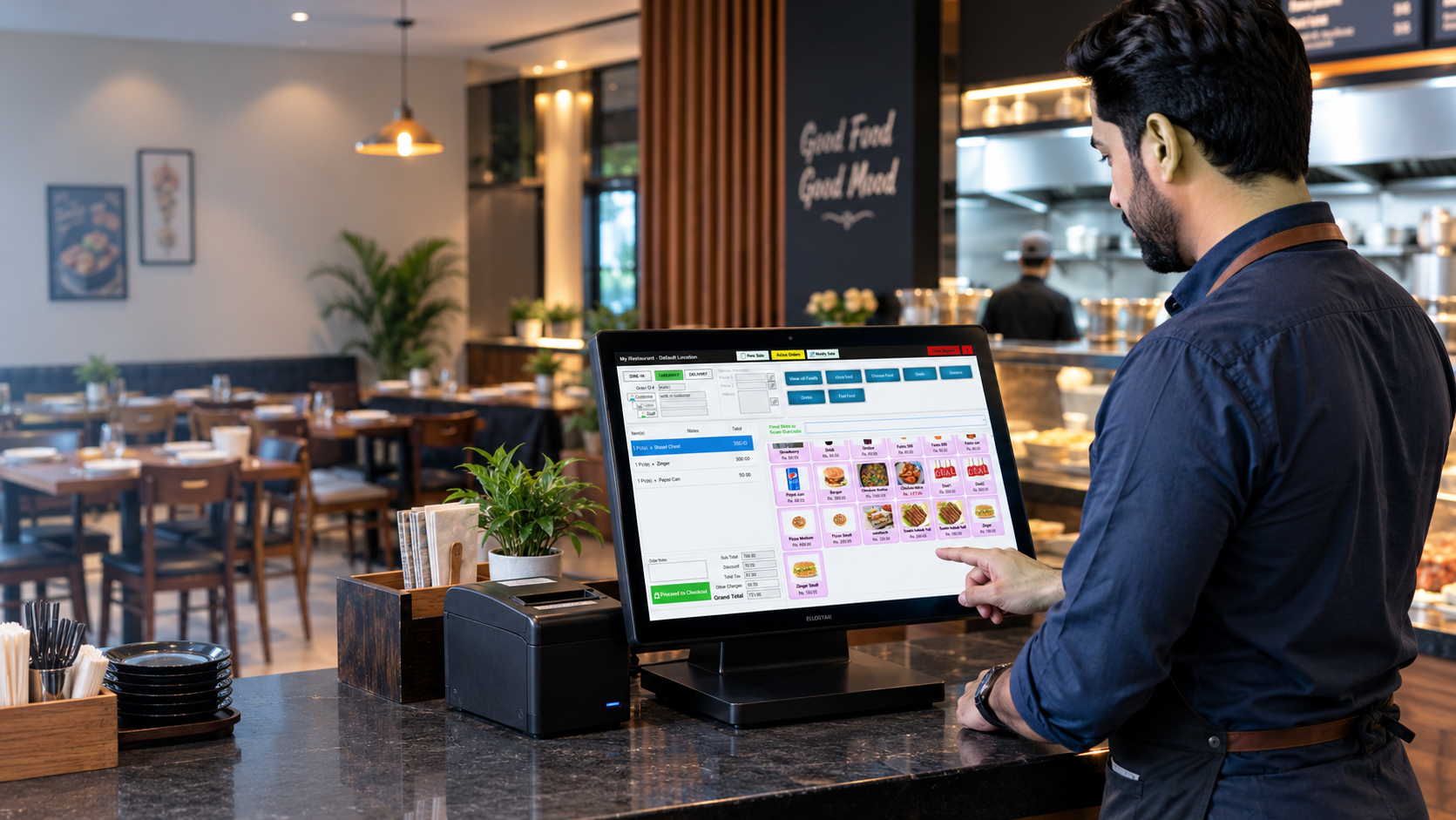
Bawarchi POS: Smart Restaurant Management Software
Bawarchi POS: How Smart Restaurant Management Software Can Transform Your Food Business
Running a restaurant is much more than serving...
31 Aug,2026
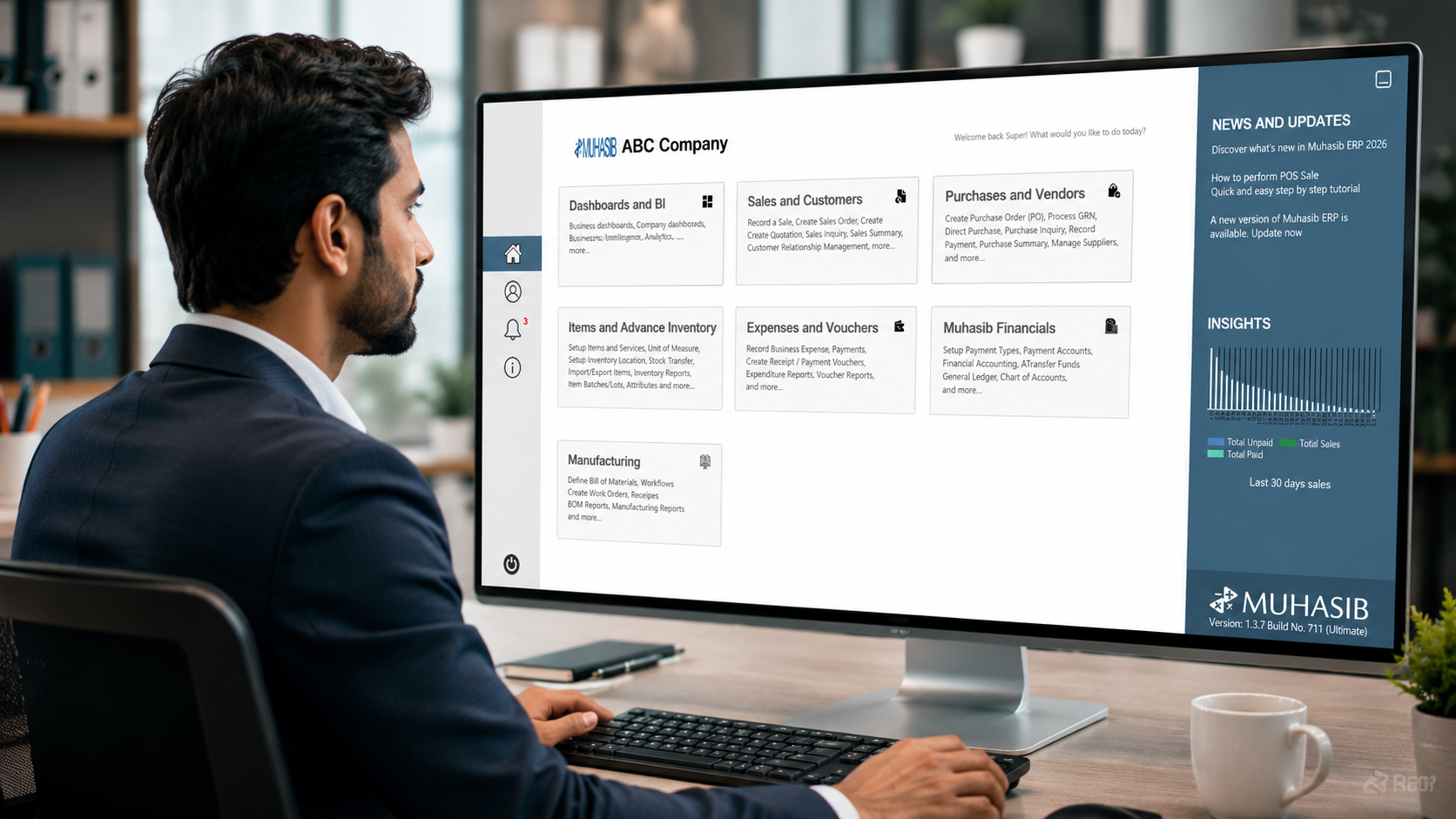
Muhasib ERP | Complete Business Management Software in Pakistan
Muhasib ERP: Complete Business Management Solution with Smart Automation and Advanced Features
Running a business becomes increasingly...